

How to make Telegram stickers
| Rolling belly laugh | Startled recoil | Excited star-jump |
|---|---|---|
 |  |  |
Make a character once, give it as many reactions as you like, and add them all to Telegram as one pack: image stickers and animated stickers together. Masko's AI sticker maker removes the background from every pose and animation, sizes each file for Telegram and builds the pack, so you never touch the @Stickers bot or a file converter.
20 min · 1 credit per image sticker, animated stickers free from an animation · Studio
Every sticker below was made this way: the whole Dumple Everyday pack. Tap one to send it in the little chat, or add the pack to Telegram.
Dumple Everyday
24 animated stickers and 2 image stickers, all made in Masko
Tap a sticker to send it. The animated ones move here the way they do in your chat app.
Point at a sticker to see it move
1. Make your character
Describe it in one sentence on Create a mascot, upload a drawing or your logo, or send your whole brand book and get a mascot with its colors, style and don'ts already filled in. Every pose and animation after that starts from the same reference, so all your stickers show the same character.
2. Give it big reactions
A sticker is a reaction, so go big: a belly laugh, a startled jump, a heart, a proud "nailed it", a sleepy yawn.
- For an image sticker, make a pose: in the Images tab, press Create Image and describe it, such as "laughing so hard it holds its belly".
- For an animated sticker, make an animation: in the Animations tab, press Create Animation and describe the movement, such as "bursts out laughing and rocks back and forth". Keep it short and looping. Create an animated character walks through it.
Poses and animations come out with a transparent background, so every sticker has clean edges and no box around the character.
3. Turn them into image and animated stickers
Press Sticker on the card:
- On a pose, you get an image sticker: a transparent PNG with a white border, for 1 credit.
- On an animation, you get an animated sticker in four versions at once, for no credits. The Telegram one is a 512 × 512 WebM.
Both land in the Stickers tab.
| Image sticker | Image sticker |
|---|---|
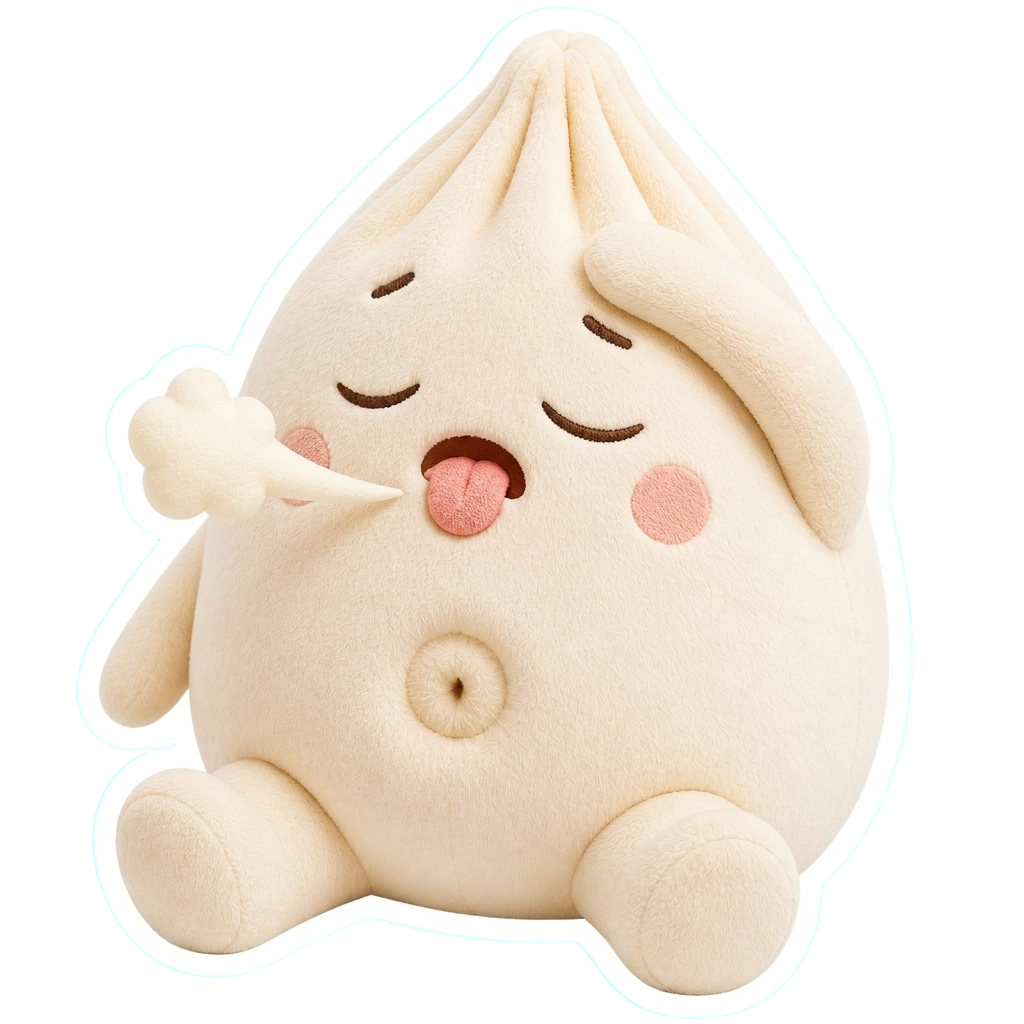 | 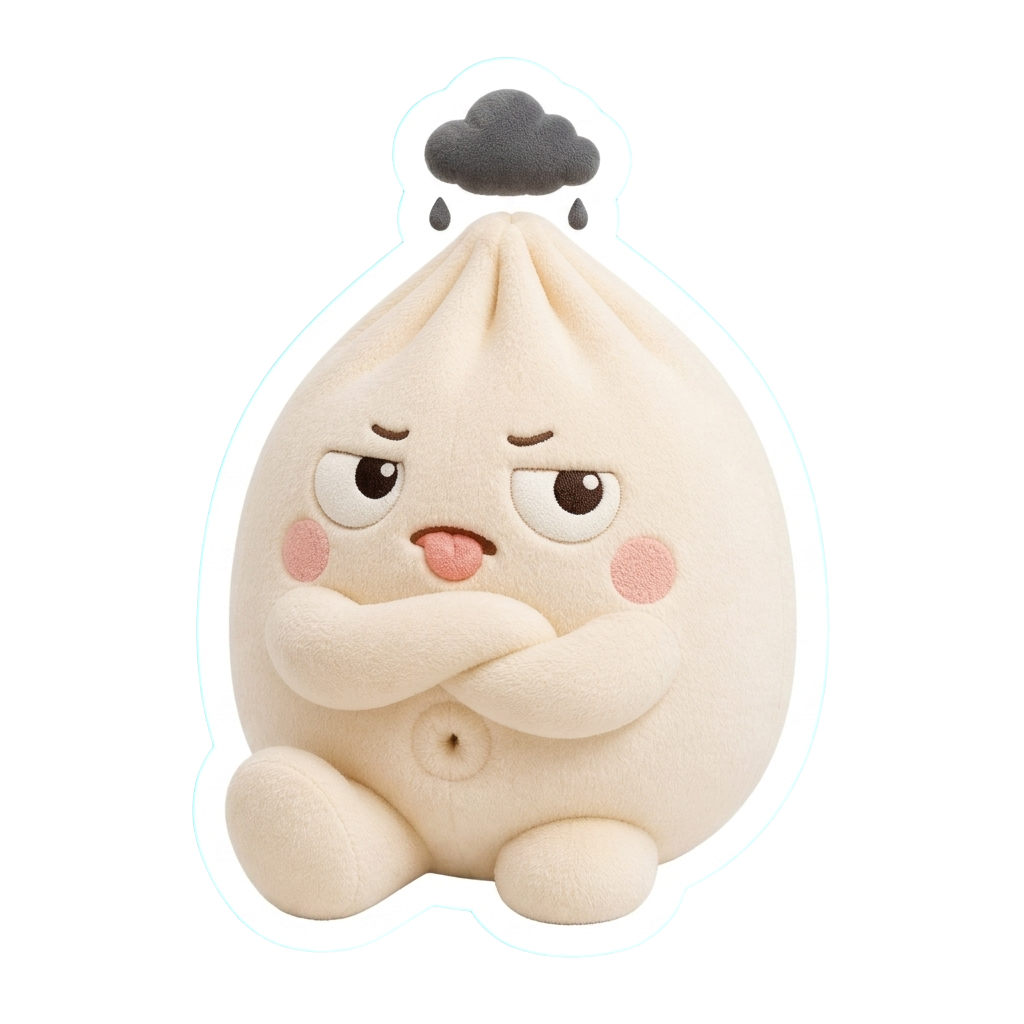 |
4. Add the sticker pack to Telegram
- Open Get Links → Stickers → Telegram and click Prepare for Telegram.
- Click Open in Telegram, or scan the QR code with your phone.
- Tap Add Stickers.
Masko keeps one pack per mascot with all its ready image and animated stickers, up to Telegram's limit of 120. Add to Telegram on an animated sticker opens the same pack.
- Press Prepare again after you make new stickers: it adds them without duplicates.
- Deleting a sticker in Masko does not remove it from Telegram.
- Anyone with the pack link can use the stickers. The pack needs no public hosting.
Telegram sticker size and format
| Sticker | File Masko makes | Size | Limit |
|---|---|---|---|
| Image | WebP | 512 pixels on its longest side | under 512 KB |
| Animated | VP9 WebM, no sound | 512 × 512 | 3 seconds, 230,400 bytes |
A longer animation is retimed to fit its whole loop into 3 seconds.
Already have a GIF, video or picture? The free Telegram sticker maker turns it into a video sticker or emoji the @Stickers bot accepts, in your browser.
Do it with the API
Your code can make the stickers; adding the Telegram pack is done in Studio. You need a write key from API keys in MASKO_API_KEY.
curl -X POST https://api.masko.ai/v1/assets/ASSET_ID/sticker \
  -H "Authorization: Bearer $MASKO_API_KEY" \
  -H "Content-Type: application/json" \
  -d '{}'
With an image ID, it returns the image sticker. With a completed animation that has its background removed, it starts the animated sticker: poll GET /v1/assets/STICKER_ASSET_ID/sticker until formats.telegram is completed, then use its file_url, or its permanent public_url when asset hosting is on. See animated sticker creation.
Put one on the Wall
The Masko Wall is one shared wall of mascot stickers, every one made with Masko. Press Put on the wall on a finished image to pin your character next to everyone else's.
Questions
Do I need a Telegram bot?
No. Masko creates and fills the pack for you. You only tap Add Stickers in Telegram.
Can one pack mix image and animated stickers?
Yes. The pack holds every ready image sticker and animated sticker of the mascot, up to 120.
Can I make a pack for a brand?
Yes. Start the mascot from your logo or brand book, and every sticker keeps its colors and style.
Does the same sticker work in other apps?
Each animated sticker also comes as an animated WebP for WhatsApp, a GIF for WeChat and an APNG for Discord. See How to make Discord stickers.
Next
How to make Discord stickers
The same reactions, uploaded to your server.
Free sticker makers
Turn any GIF or video into a Telegram, WhatsApp, Discord, Slack or Twitch file.
Create an animated character
The animations your stickers start from.
Create a mascot from a brand book
A character that already matches your brand.
Image and video exports
Every sticker format and its limits.
The Masko Wall
Stickers from every Masko mascot, on one wall.