

How to make Discord stickers



| Affectionate squeeze | Proud landing | Giant sleepy yawn |
|---|---|---|
 |  |  |
Give your server its own character with stickers nobody else has. Masko's AI sticker maker draws the character, animates each reaction with a transparent background and writes the animated sticker in the exact format Discord asks for. You upload it to your server yourself.
20 min · 1 credit per image sticker, animated stickers free from an animation · Studio, then Discord
Every sticker below was made this way: the whole Dumple Everyday pack. Tap one to send it in the little chat; each comes with the Discord APNG Masko made.
Dumple Everyday
24 animated stickers and 2 image stickers, all made in Masko
Tap a sticker to send it. The animated ones move here the way they do in your chat app.
Point at a sticker to see it move
Discord sticker size and format
From Discord's sticker rules:
| Sticker | File | Size | Limit |
|---|---|---|---|
| Animated | APNG | exactly 320 × 320 | 512 KB |
| Image | PNG | exactly 320 × 320 | 512 KB |
Masko's animated Discord file is a looping APNG at 320 × 320, under 471,859 bytes and up to 5 seconds, so it uploads as it is. The image sticker PNG is larger than that: resize it to 320 × 320 in any image editor first.
Already have a GIF, video or picture? The free Discord sticker maker turns it into a sticker or emoji at the right size, in your browser.
1. Make your character
Describe it in one sentence on Create a mascot, upload a drawing or your server's logo, or start from a full brand book. Every pose and animation starts from that reference, so the whole set looks like one character.
2. Give it reactions your server will use
Think of what people type all day: "lol", "gg", "wait what", "good night". Make one reaction for each.
- For an animated sticker, in the Animations tab press Create Animation and describe the movement, such as "jumps back in surprise, eyes wide". Create an animated character walks through it.
- For an image sticker, in the Images tab press Create Image and describe the pose, such as "sulking with arms crossed".
Every pose and animation comes out with a transparent background, so the sticker sits cleanly on Discord's light and dark themes.
3. Turn them into animated or image stickers
Press Sticker on the card. An animation becomes an animated sticker in four versions for no credits, including the Discord APNG. A pose becomes an image sticker for 1 credit. Open the sticker in the Stickers tab and download the Discord version, or the PNG for an image sticker.
| Image sticker | Image sticker |
|---|---|
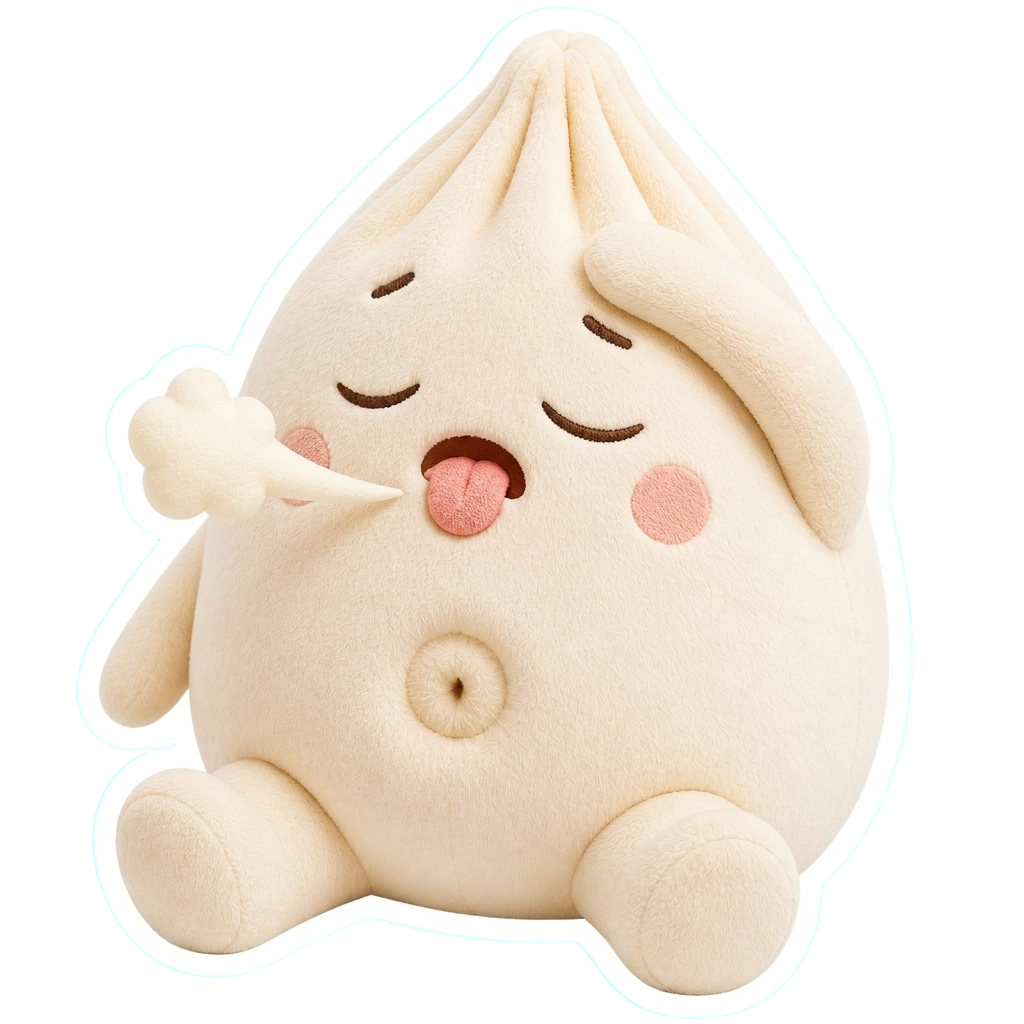 | 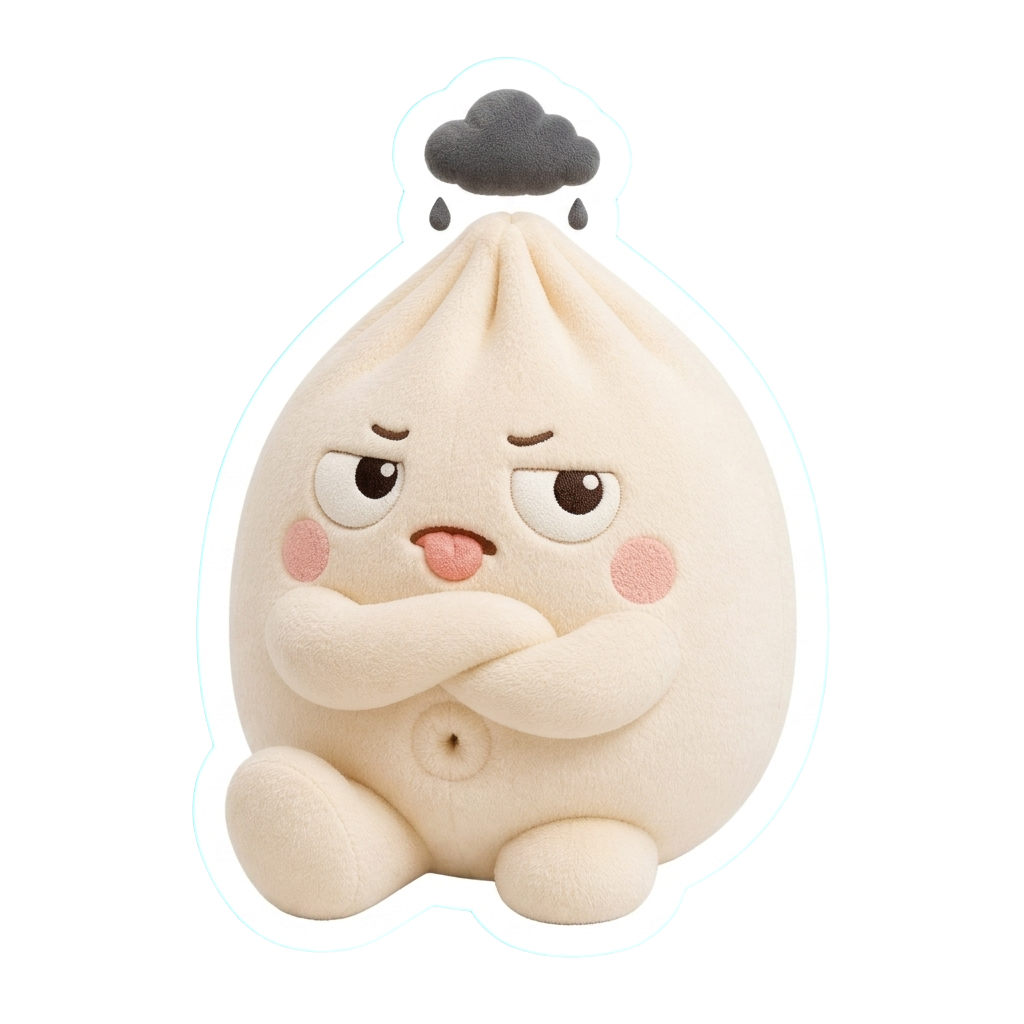 |
Resize an image sticker to 320 × 320 before you upload it; the animated Discord file is already that size.
4. Upload to your server
You need to own the server or have the Create Expressions permission. Uploading works in the Discord desktop or web app, not on phones.
- Open Server Settings → Stickers.
- Press Upload Sticker and choose the file.
- Enter a name, such as
dumple_lol, and pick a related emoji so the sticker shows up in suggestions. - Add a short description for screen readers, then save.
Discord previews APNG animation in the upload window. Dropped into a chat as a plain file, an APNG does not animate.
How many stickers a server can hold
| Server | Sticker slots |
|---|---|
| Every server | 5 |
| Boost Level 1 | 15 |
| Boost Level 2 | 30 |
| Boost Level 3 | 60 |
Everyone in your server can send its stickers there. Members with Nitro can use them in other servers and DMs too.
Do it with the API
curl -X POST https://api.masko.ai/v1/assets/ANIMATION_ASSET_ID/sticker \
  -H "Authorization: Bearer $MASKO_API_KEY" \
  -H "Content-Type: application/json" \
  -d '{}'
Poll GET /v1/assets/STICKER_ASSET_ID/sticker until formats.discord is completed, then download its file_url, or use its permanent public_url when asset hosting is on. Masko does not upload to Discord, so you add the file in your server settings. See animated sticker creation.
Put one on the Wall
The Masko Wall is one shared wall of mascot stickers, every one made with Masko. Press Put on the wall on a finished image to pin your character next to everyone else's.
Questions
Can Discord stickers be animated?
Yes. Masko's animated Discord sticker is a looping APNG at exactly 320 × 320, under Discord's 512 KB limit, and making it from an animation costs no credits.
Why does my APNG not move in chat?
Discord animates stickers, not APNG files posted as attachments. Upload it under Server Settings → Stickers and send it from the sticker picker.
Can I make emoji too?
Masko makes stickers. A pose with a transparent background is a good start for an emoji, but Discord emoji have their own sizes and upload screen.
Can I make stickers for my brand's community server?
Yes. Start the mascot from your logo or brand book, and every sticker keeps its colors and style.
Do the same stickers work on Telegram?
Yes. Each animated sticker also has a Telegram version, and Masko can add the whole set as one Telegram pack. See How to make Telegram stickers.
Next
How to make Telegram stickers
The same reactions as one Telegram pack, from a QR code.
Free sticker makers
Turn any GIF or video into a Discord, Telegram, WhatsApp, Slack or Twitch file.
Create an animated character
The animations your stickers start from.
Create a mascot from a brand book
A character that already matches your brand.
Image and video exports
Every sticker format and its limits.
The Masko Wall
Stickers from every Masko mascot, on one wall.