

Logos, backgrounds and stickers
Turn your mascot into a logo or app icon, an SVG, a background or a sticker. Logos, SVGs and backgrounds return jobs to poll; a sticker can complete right away.
Logo
| Rudy, the mascot | Graphic app icon | Cut-paper mark | Soft-depth icon |
|---|---|---|---|
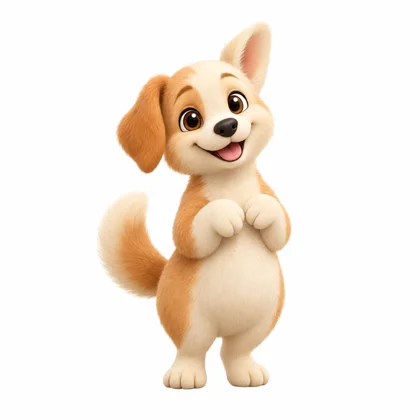 |  | 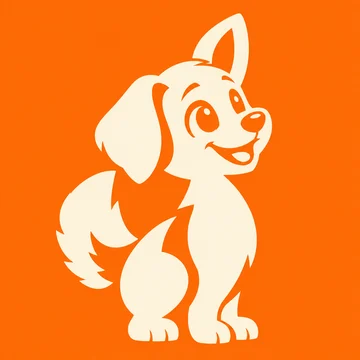 | 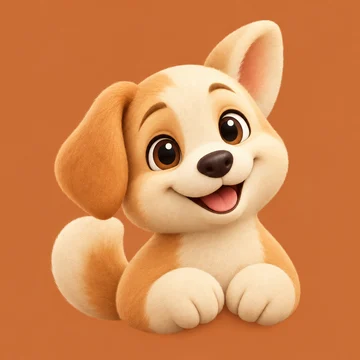 |
Three logos from one mascot; more styles on the mascot logo page.
A logo costs 5 credits. The references supply the identity, logo_description the composition (such as a face portrait with asymmetrical ears) and logo_style_instruction the treatment (such as flat colors or bold outlines), so you can change one without the other.
For a filled icon, name the background color and ask it to fill the canvas; the master keeps it. The transparent version, used for resized PNGs and the favicon, can lose colored backing shapes, so use the master for a filled badge. Output is raster; for vector paths, generate an SVG.
curl https://api.masko.ai/v1/mascots/MASCOT_ID/generate \
  -H "Authorization: Bearer $MASKO_API_KEY" \
  -H 'Content-Type: application/json' \
  -d '{
    "type": "logo",
    "name": "App icon",
    "logo_description": "A face-only icon of the character",
    "logo_style_name": "Flat",
    "logo_style_instruction": "Solid colors, simple silhouette, no gradients"
  }'
Logo presets and ideas
GET /v1/logo-styles: Studio's nine logo treatments with previews and full instructions (not the mascot styles at/v1/styles).GET /v1/mascots/{id}/logos/suggestions: five free logo directions and three style suggestions, with optionalvariant_idandrefresh=true. A direction's custom style hasnameandinstruction, pluspreset_idfor an exact built-in match.
Send a preset as logo_style_id:
{
  "type": "logo",
  "name": "Playful portrait",
  "logo_description": "An oversized face portrait with a natural tilt",
  "logo_style_id": "graphic-app-icon"
}
The preset resolves to its full instructions; logo_style_name and logo_style_instruction override them. For several logos, use /generate-batch with one request each.
For safe retries, create the item first and send its item_id with a UUID request_id. The same ID and body return the existing job without a new charge; a new ID is a new paid attempt.
Generate an SVG from a logo
| Logo image | SVG |
|---|---|
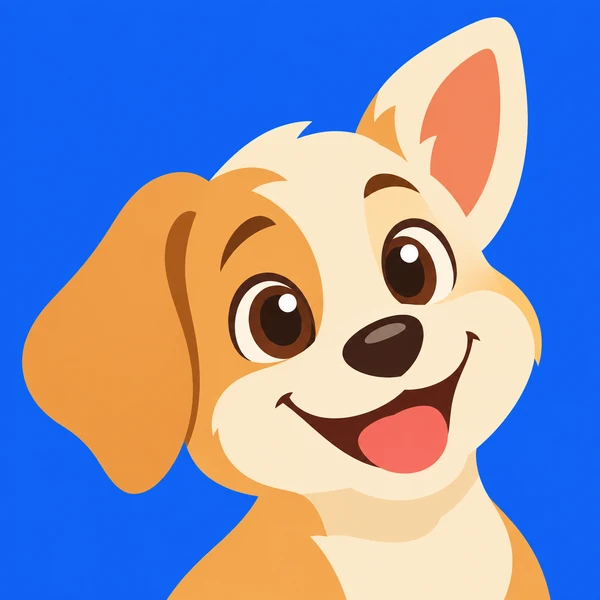 |  |
POST /v1/assets/{id}/svg with a UUID request_id turns a completed logo master, image, transparent image or sticker into an SVG on the same item, for 30 credits.
curl -X POST 'https://api.masko.ai/v1/assets/ASSET_ID/svg' \
  -H "Authorization: Bearer $MASKO_API_KEY" \
  -H 'Content-Type: application/json' \
-d '{"request_id":"bba386b8-c756-4f7c-89a2-132862188bf4"}'- The
202response hasdata.job_id,data.asset_ids.svg,data.estimated_costanddata.poll_url; the job can take several minutes. - Reuse the
request_idafter an interruption or a brief409. A new ID is another paid generation; failures are refunded. - Read it with
GET /v1/assets/{svg_asset_id}(file_urlorcdn_url). Incdn-export, hosted logo items show it aslogos.svgand image items assvg.
The source PNG stays unchanged. Paths are editable and scale cleanly, but fine details can differ from the source.
Background
A background costs 3 credits. It is an empty place in your mascot's own style, with no mascot in it: calm areas for your app's title and button, and a spot where the mascot's animation plays on top with the Masko player.
curl https://api.masko.ai/v1/mascots/MASCOT_ID/generate \
  -H "Authorization: Bearer $MASKO_API_KEY" \
  -H 'Content-Type: application/json' \
  -d '{
    "type": "background",
    "name": "Splash meadow",
    "purpose": "splash",
    "description": "A quiet meadow under a big sky"
}'purposesays what the background is for:splash,onboarding,signup,home,paywall,reward,empty,loading,landingorbanner, or your own words such as"a quiz result page". It sets the shape and is saved with the job.- For five ideas of places from your mascot's world, free, call
GET /v1/mascots/MASCOT_ID/backgrounds/suggestions?purpose=onboarding. Each suggestion has atitleand adescriptionto send back asdescription. For your own words, the answer also has theplacethat fits. placeoverrides the shape and the layout:phone_screen(9:19.5, splash and onboarding),phone_header(10:9, the top of a home screen),square(1:1, cards and rewards),web_hero(16:9, the top of a landing page) orbanner(21:9). Without it, the purpose decides, andphone_screenis the default.descriptionis optional. Without it, Masko picks a simple place that fits the mascot's style.source_asset_idpicks the mascot picture used as the style sample; otherwise its first reference is used. The mascot itself never appears in the background.- To change a background, send its
source_image_asset_idwith anotherplace(the same place, drawn in that shape),edit_instructionssuch as"The same place at night.", or both. Each change costs 3 credits. variant_idtargets a named variant, for logos too.- The result is a 4K image. For an app, export a WebP at screen size with image exports.
- In Masko Studio, six plain backgrounds are also drawn from your mascot's colours, free and instant: brand colour, soft gradient, quiet stage, sky with clouds, celebration rays and ground line. Each purpose offers the ones apps use most for it.
type: "scene"was replaced bytype: "background"and returns400.
Sticker
| Ko with a trophy | Ko asleep |
|---|---|
 | 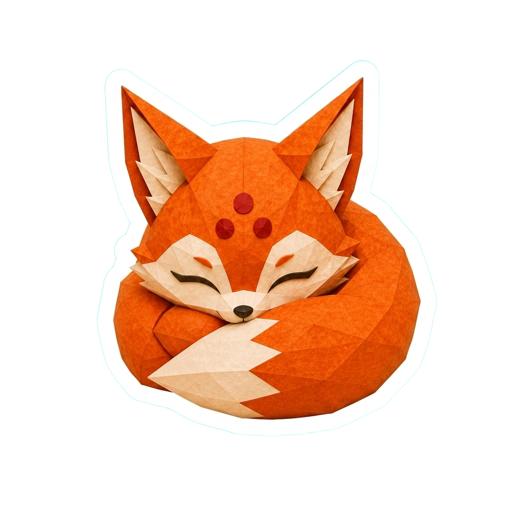 |
POST /v1/assets/:id/sticker turns a completed mascot image into a transparent PNG sticker with a white border, for 1 credit, with no background-removal step. A completed result returns 201; check data.status.
From a completed animation with background removal, it makes an animated sticker in all four chat platform versions for 0 credits; poll GET /v1/assets/{sticker_id}/sticker. See animated sticker creation and the endpoint reference for source requirements.
Collect the result
Save data.job_id, follow job progress, and use the returned URLs (hosting and file formats) rather than building paths.